Disclaimer: During the time of this article, MultiversX (previously Elrond) announced a rebranding to their Ad Astra Portal - namely xBridges. The team is currently working on updates and will announce releases in the future. For the time being, the portal is still Elrond Ad Astra and will work in the same manner until further notice. To learn more about what xBridges has in store, read full article here.
Bridging between chains is a service centralized or decentralized platforms create to build a connection between different blockchains so that one can transfer another token between them. For example, ETH and EGLD are two unconnected tokens hosted on their respective blockchains. Bridging the ETH networks to the EGLD network allows cryptocurrency holders to spend, swap, or invest in ETH to gain EGLD another blockchain.
The MultiversX (previously Elrond) team developed the Ad Astra Portal for people to bridge freely between EGLD and ETH. Read more about the launch of the portal here.

Here is a step-by-step guide on how you can bridge ETH and EGLD:
- Make sure you have a MetaMask Wallet. Find out more on how you can get a MetaMask wallet here.
- Make sure you have a MultiversX Wallet. For example, the Maiar Defi Wallet or Maiar App. You can add the extension or download the app here.
- Now, once that is all set, it’s time to bridge. Go to Ad Astra Portal
- Select Ethereum from the “FROM” menu and Elrond from the “TO” menu. Meanwhile, also select the coin. In this case, we will USDC and how much you want to transfer.

- Click “Connect Source Wallet,” and a pop-up of the MetaMask wallet will appear. Click connect.
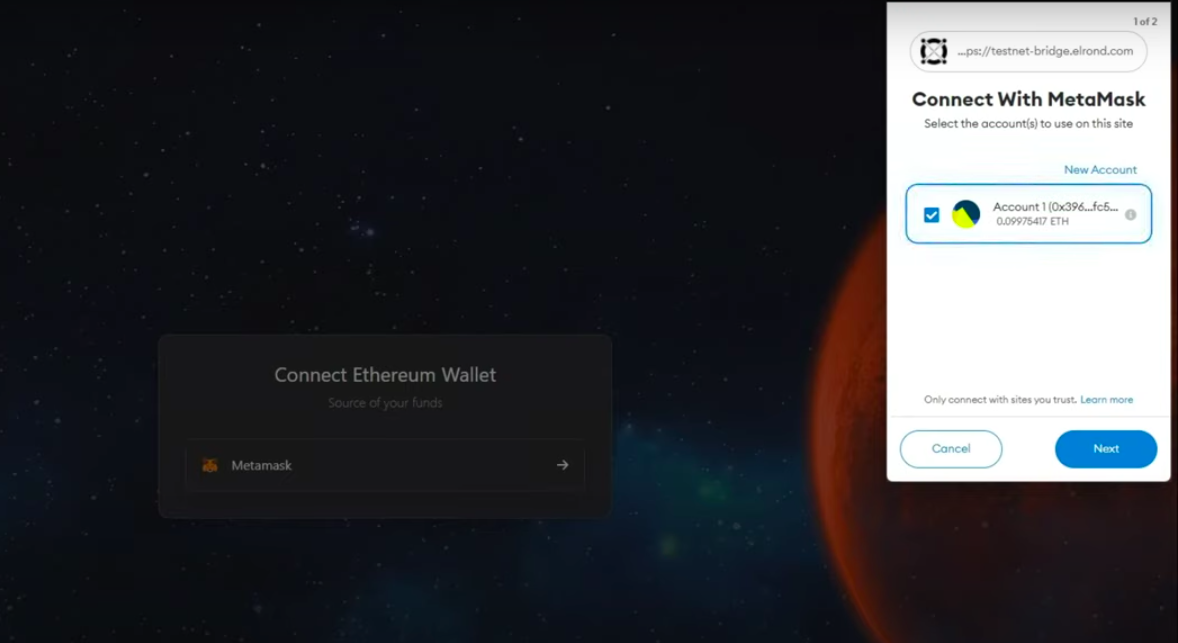
- Sign into your MetaMask wallet where you have USDC, and permit the Ad Astra Portal

- Then sign into your Maiar extension, where you will receive the bridged USDC
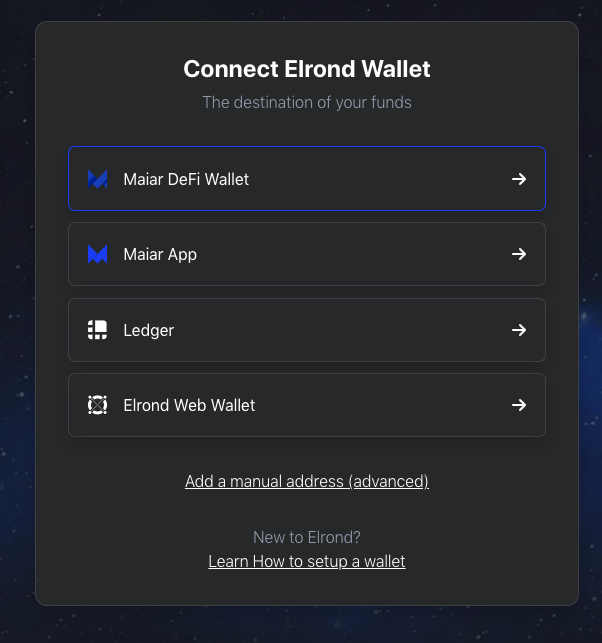
- Confirm the “Swap,” and you will see your MetaMask Wallet pop up again. Go ahead and confirm the swap on the MetaMask app to finish the first step of the transaction.

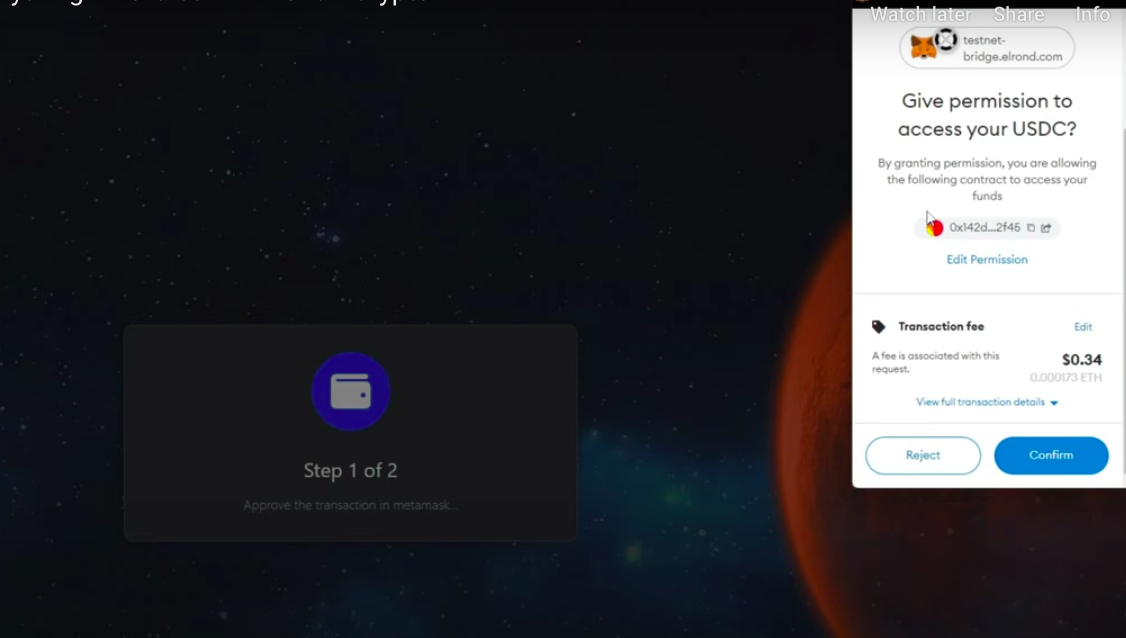
- Finally, confirm the 2nd step of the transaction on MetaMask and wait for the swap to finish. This takes bout 10 minutes.
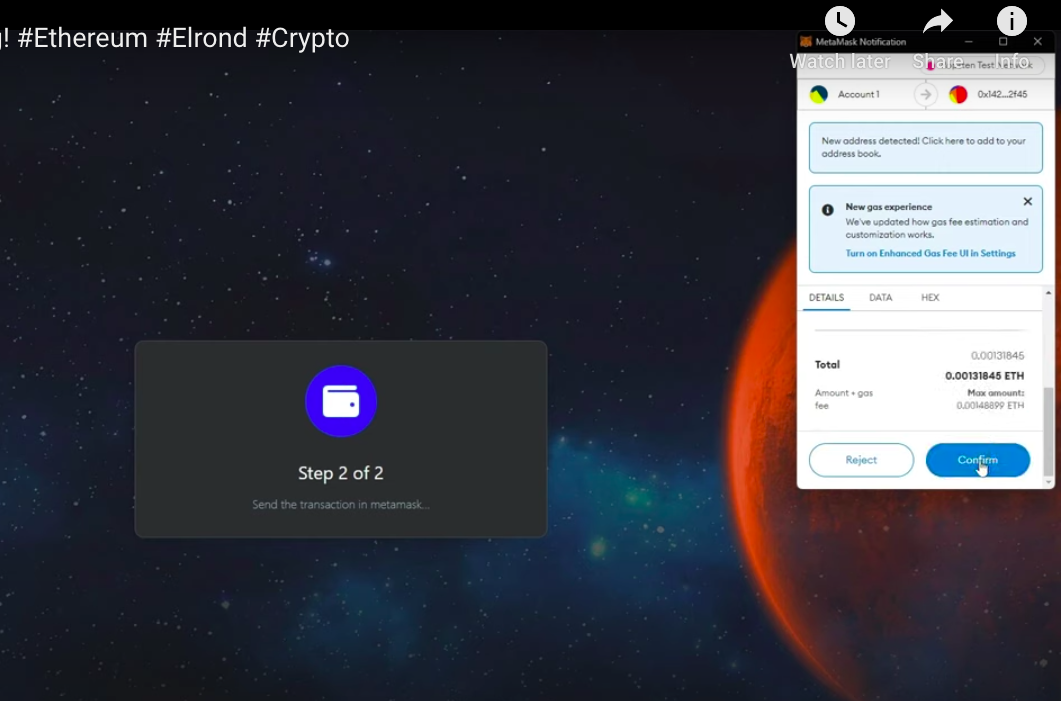
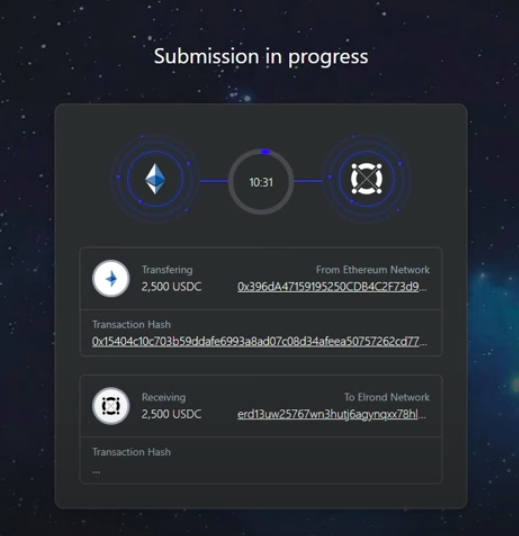
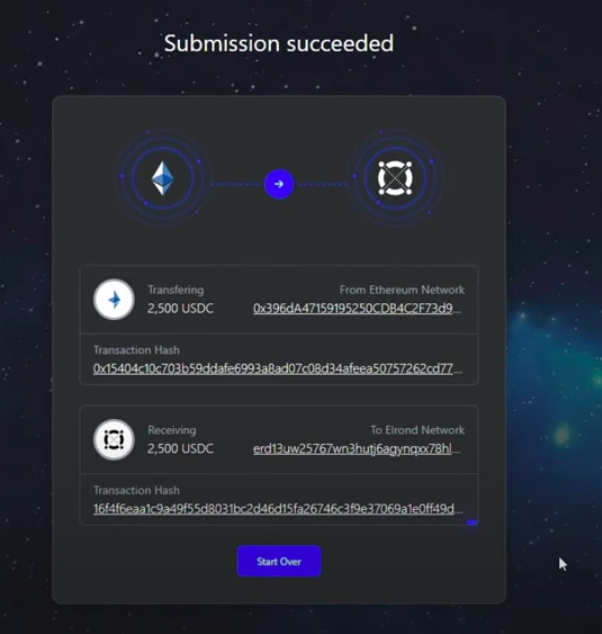
- DONE! After waiting, the swap is finished, and you can check the transaction hash and your Maiar Wallet to make sure everything went smoothly.
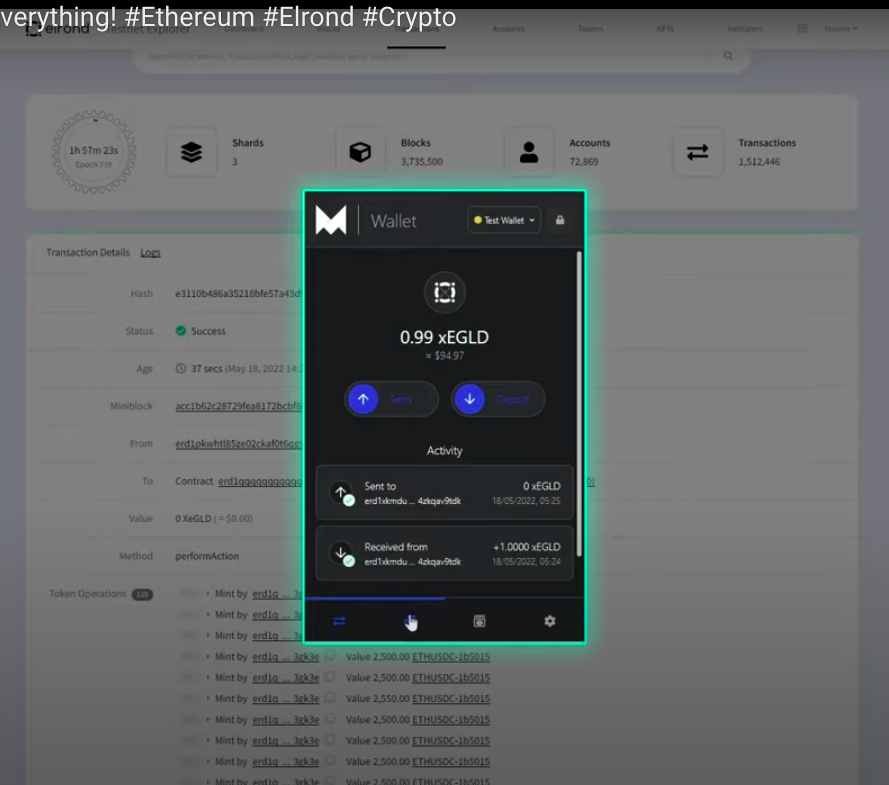
For more information on how to bridge ETH to EGLD, check out the video posted by the MultiversX team here.
Want to learn more about bridging blockchains? Let us know which ones you like us to cover next in the comments below.